Recipe Relay
When following a recipe with friends, one person tends to take the lead and do almost everything, while others leave the room and don't talk as a group or learn the recipe. Recipe Relay gives everybody different pieces of a recipe to complete at once, encouraging conversation through how the spinning work surface as well as how instructions are presented.
Recipe Structure
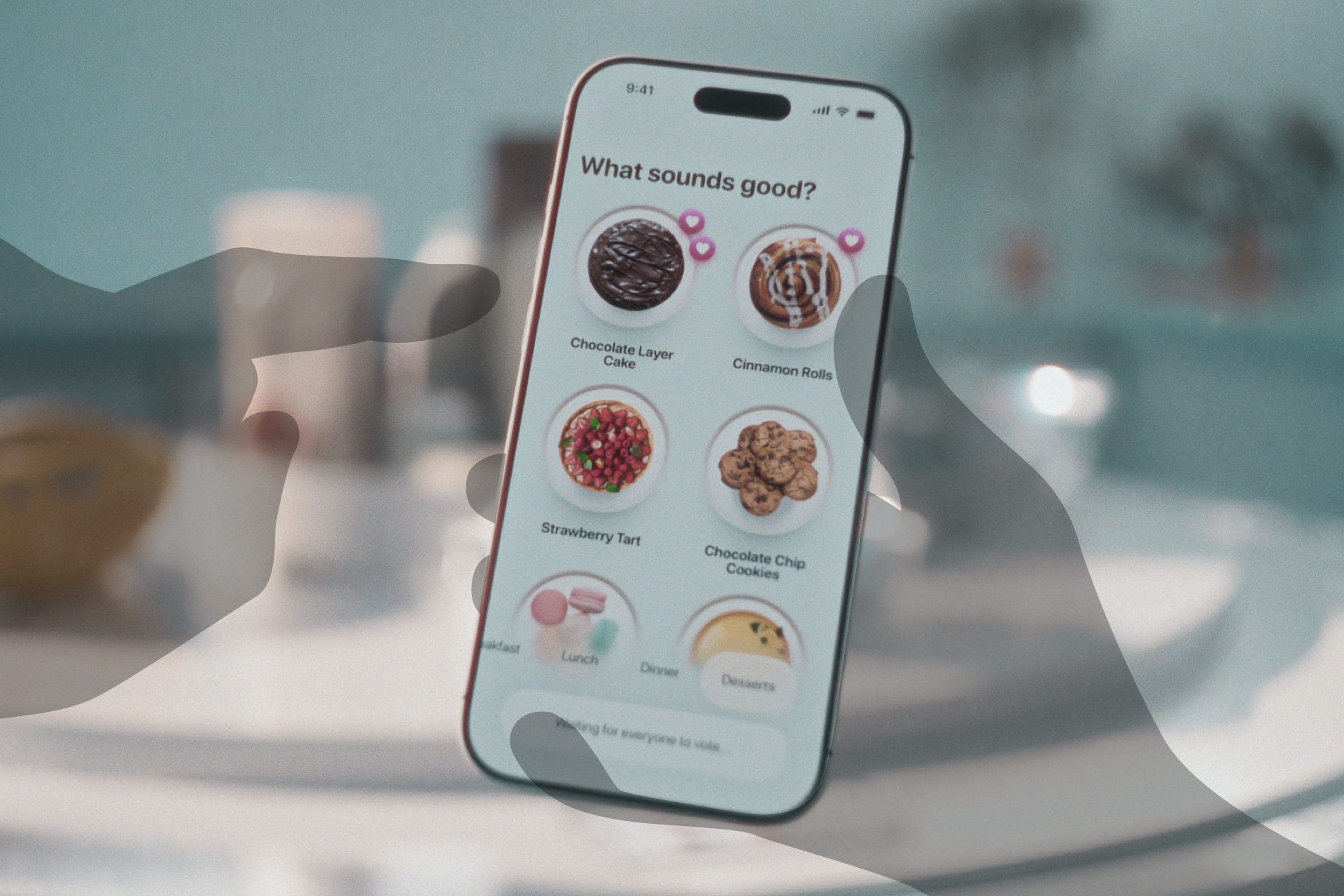
The group first takes a vote on what recipe to make, all of which are already structured for Recipe Relay, with instructions assigned to each person. Once that's done, each person follows their instructions to complete the recipe.
Instructions
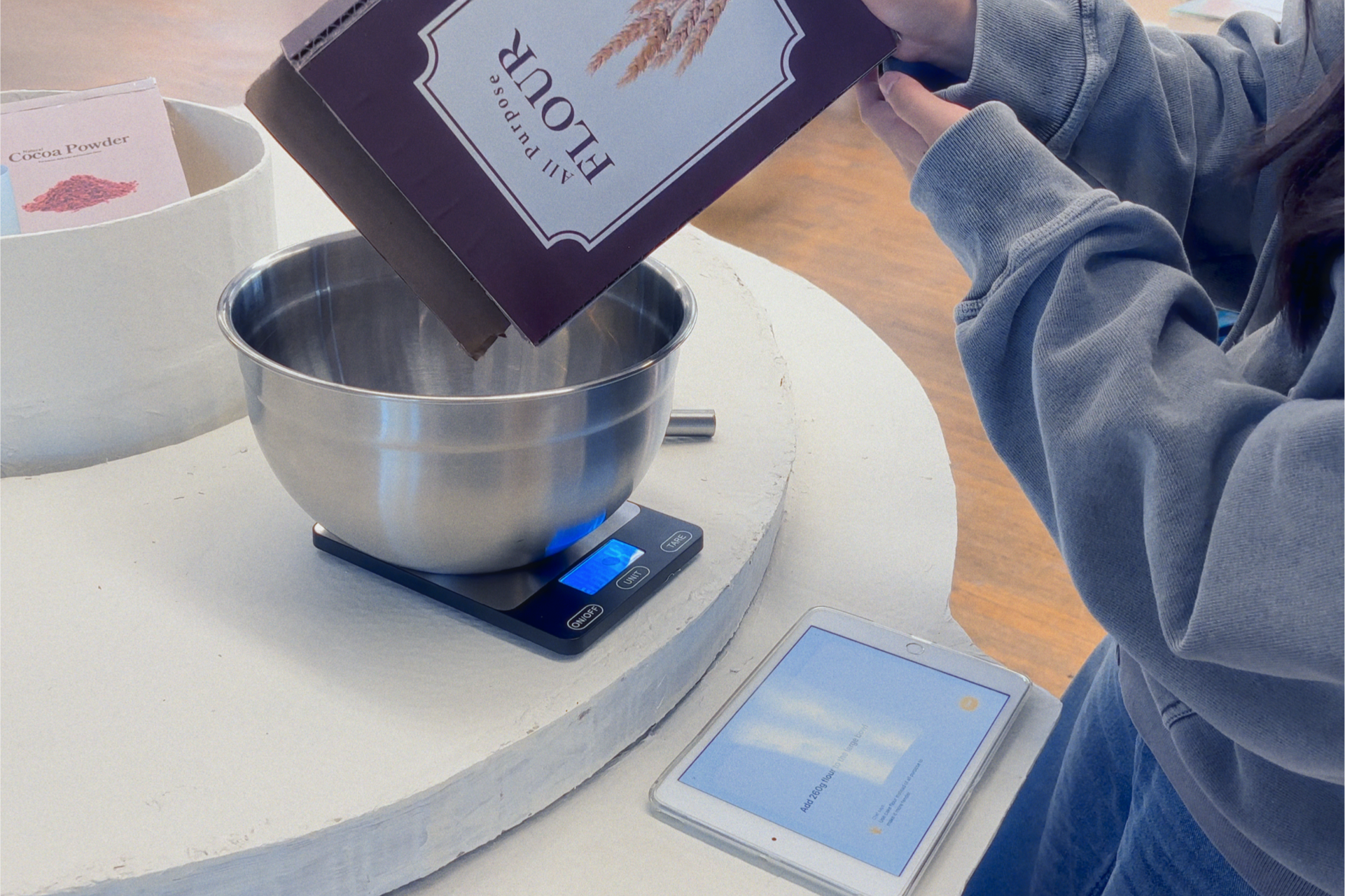
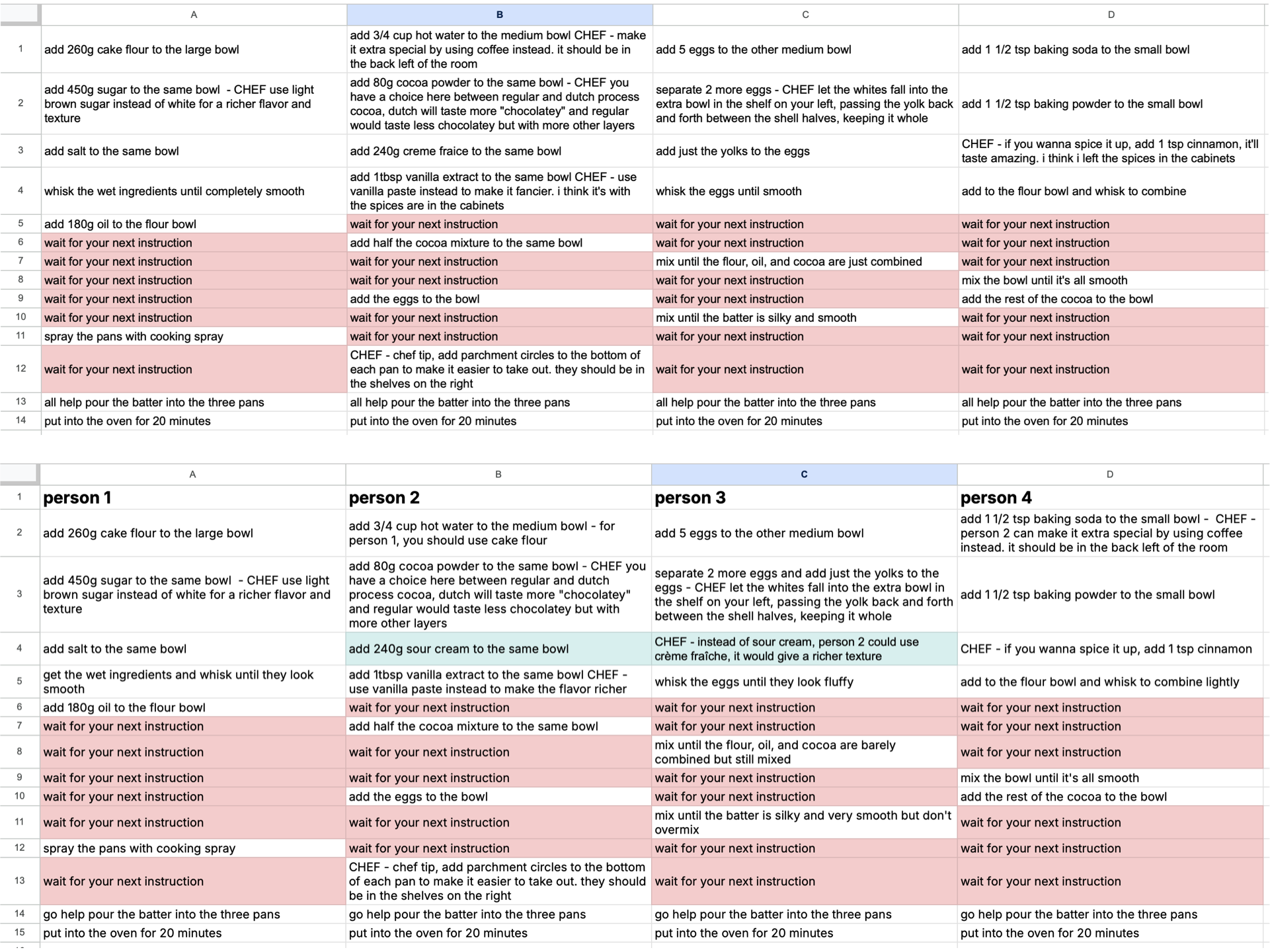
Each person gets different pieces of the recipe to work on, broken into small steps. Eventually, most instructions require switching off to a friend, often spinning the table or ingredients area, encouraging everyone to learn more pieces of the recipe and talk about what they're doing.
Chef Tips
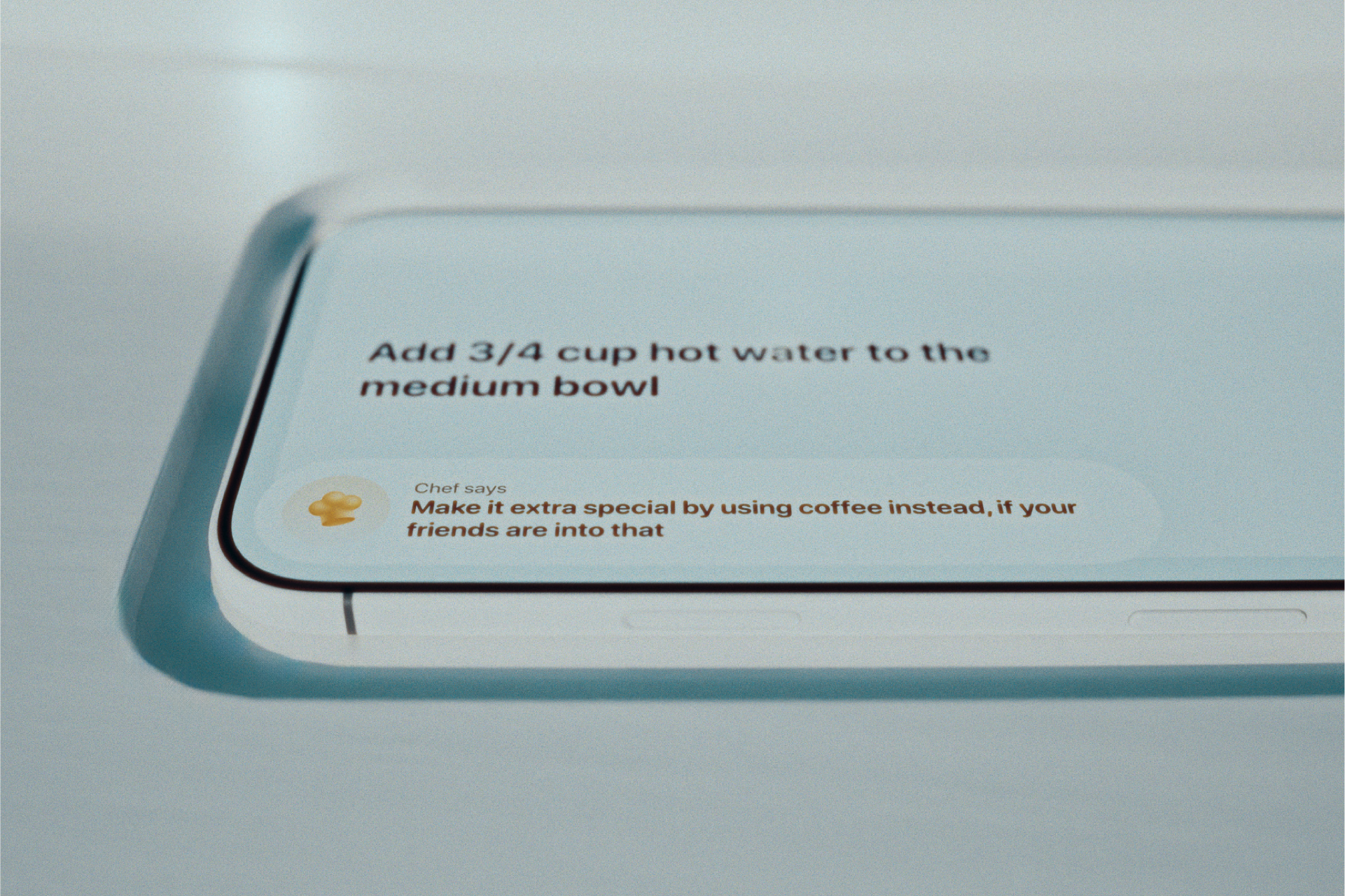
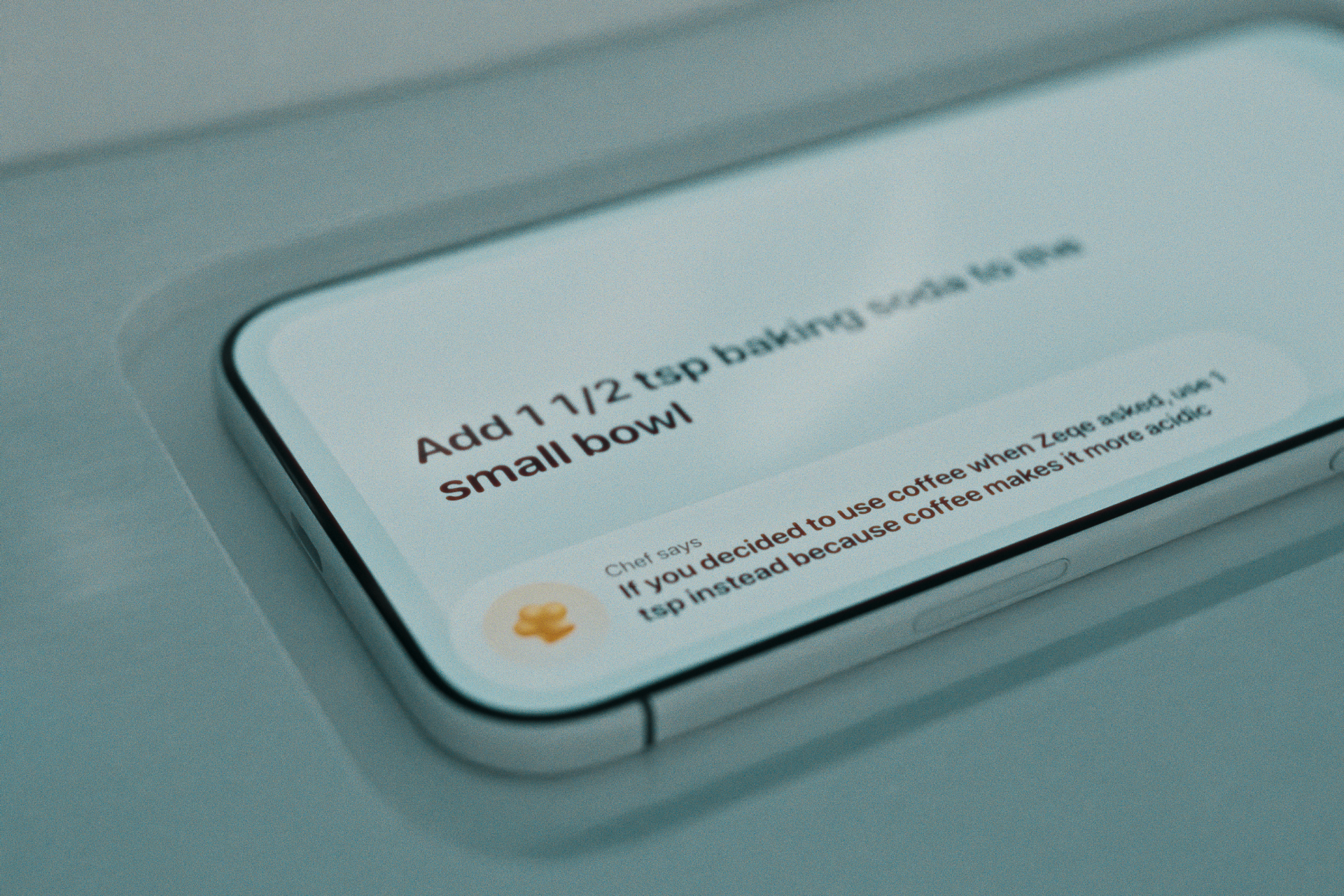
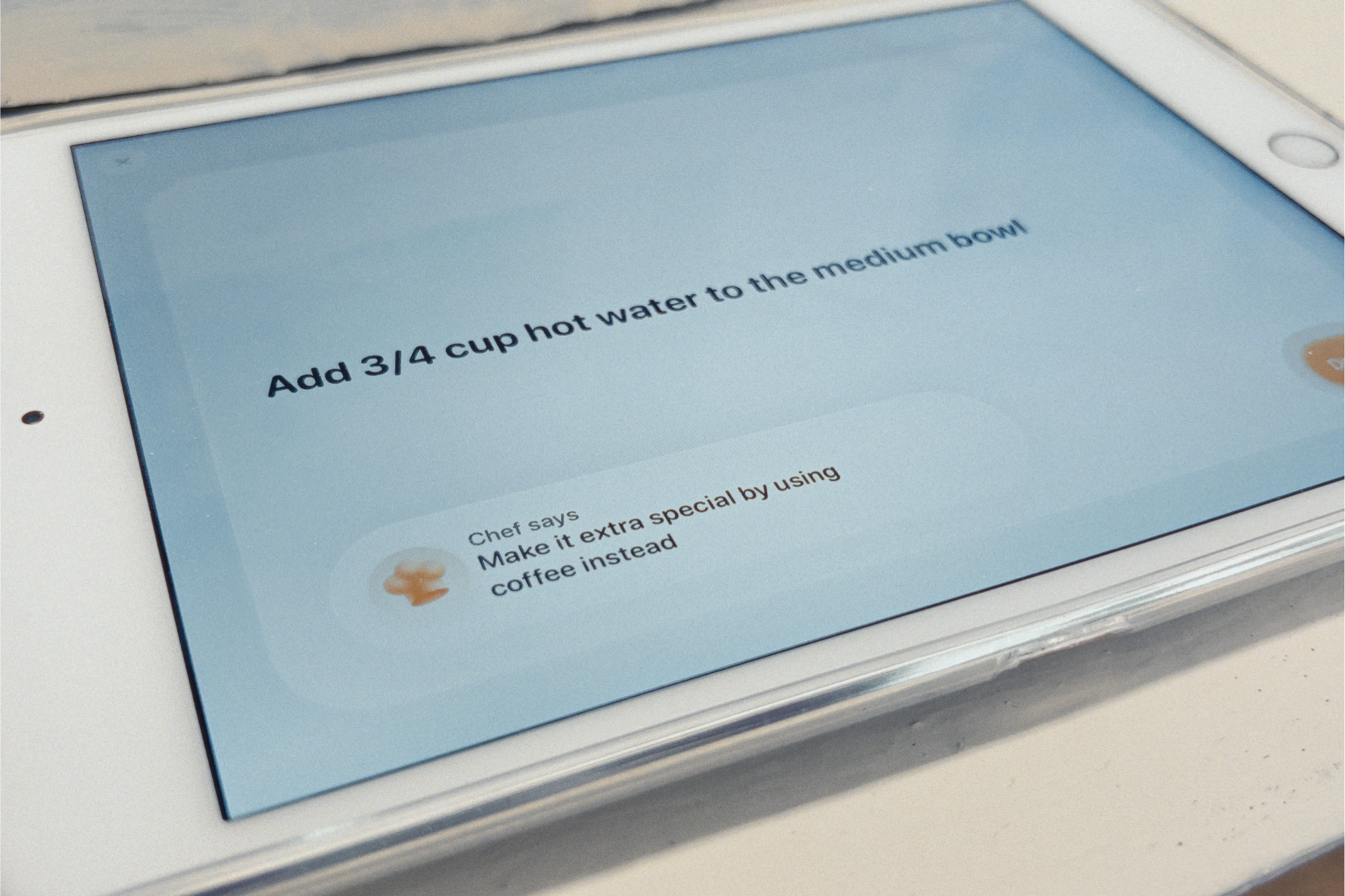
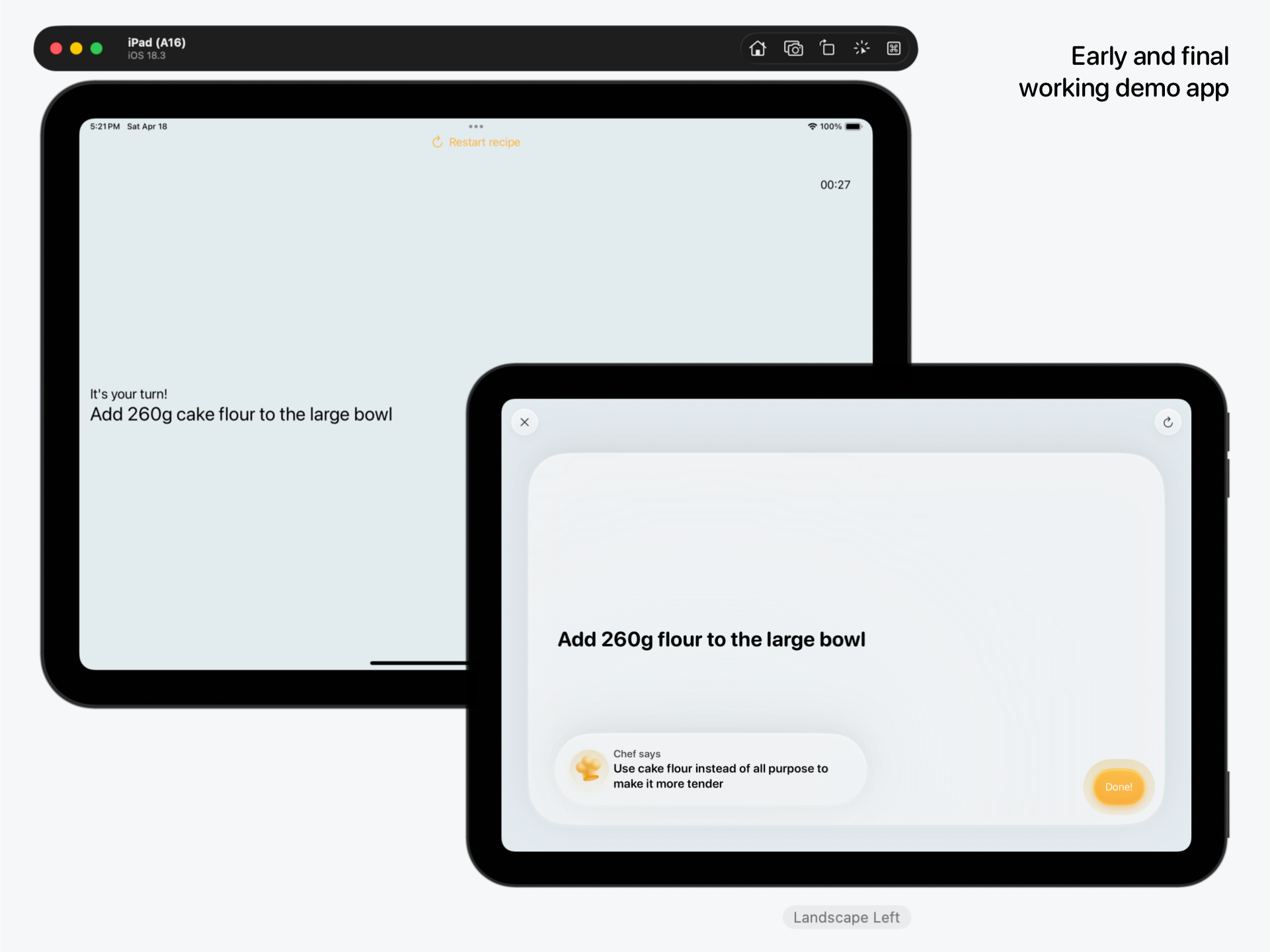
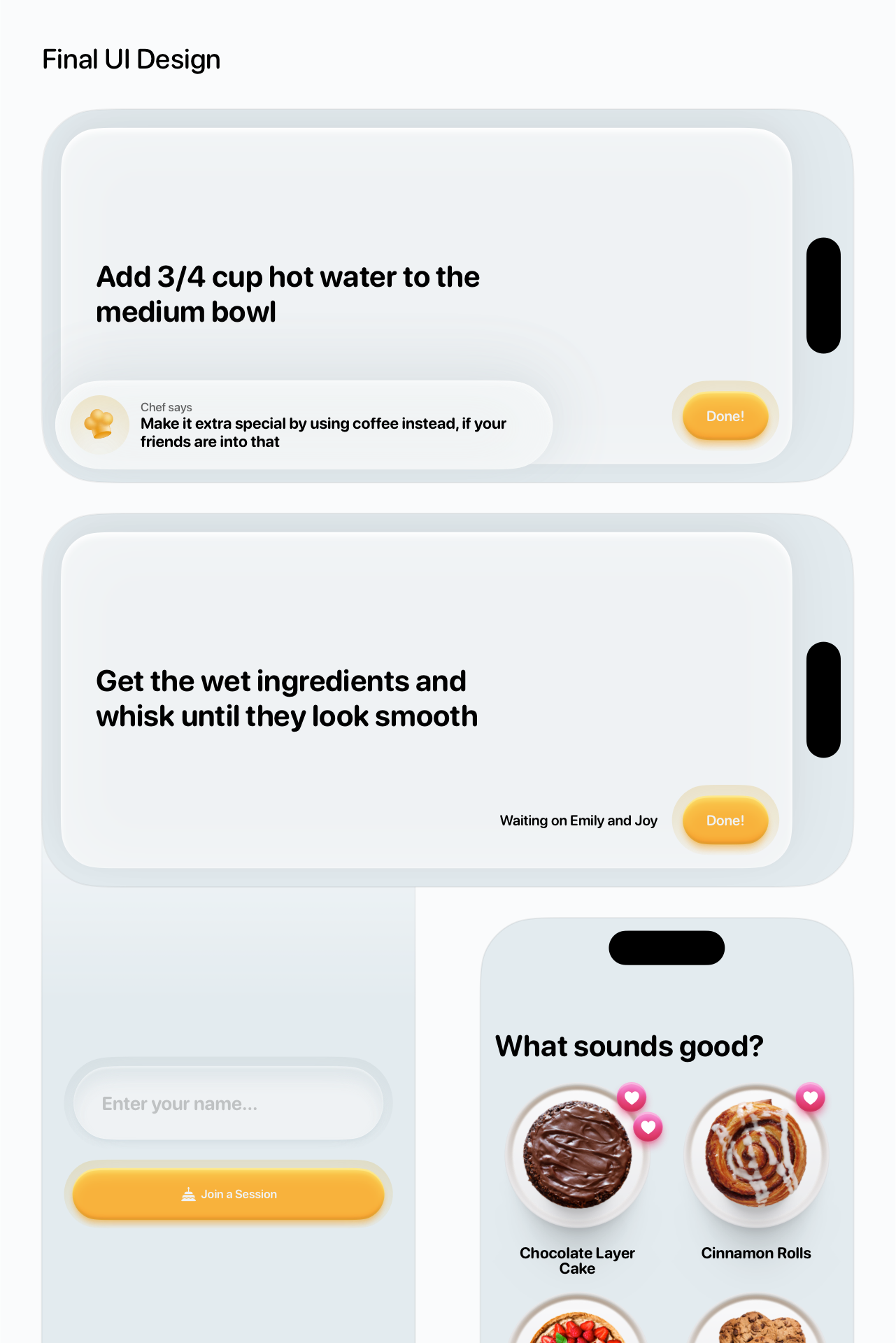
Chef Tips, which occasionally pop up, either give you technical advice, or offer flavor and ingredient suggestions to help you and your friends make the recipe more interesting, changing other people's instructions when necessary.
Table Design
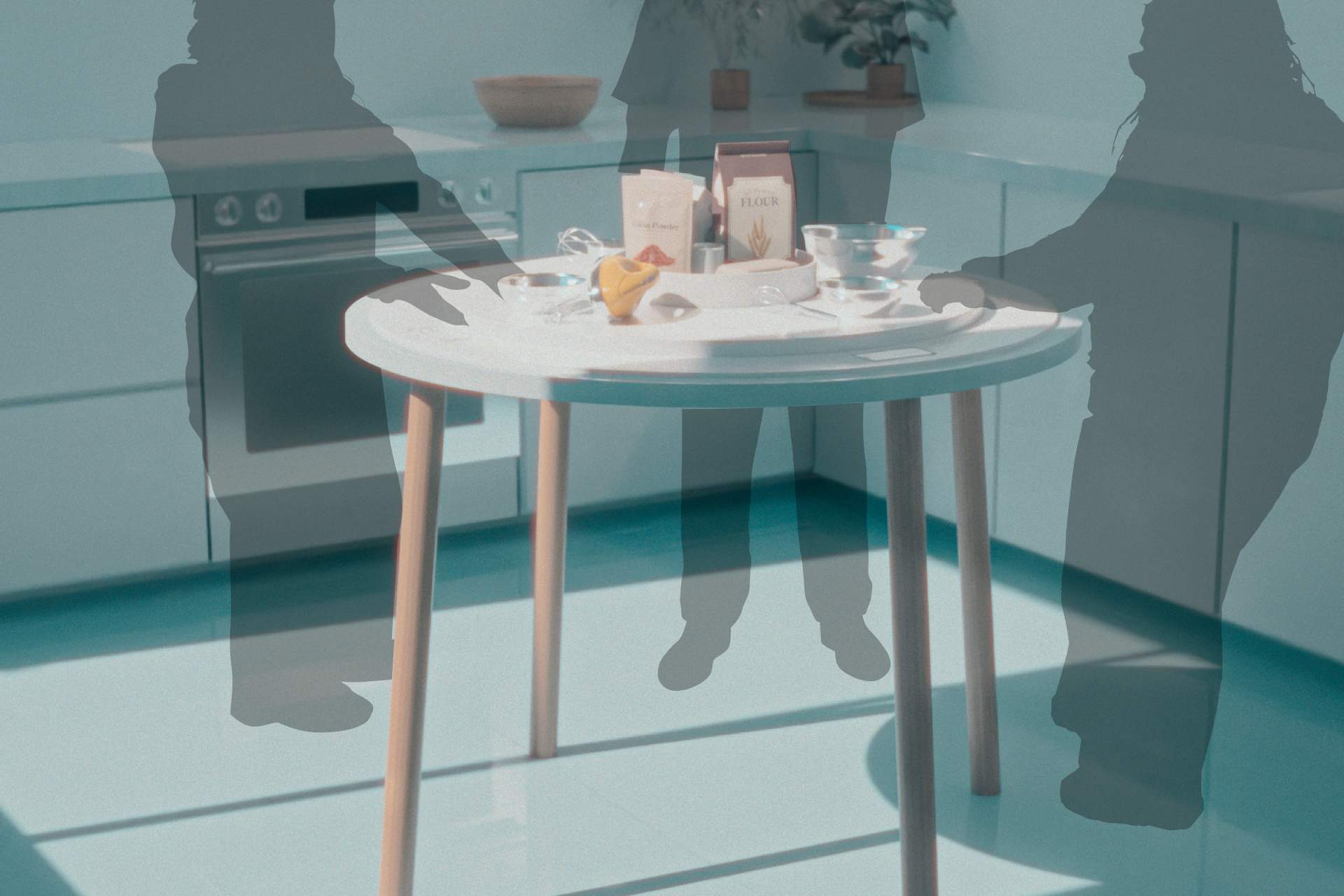
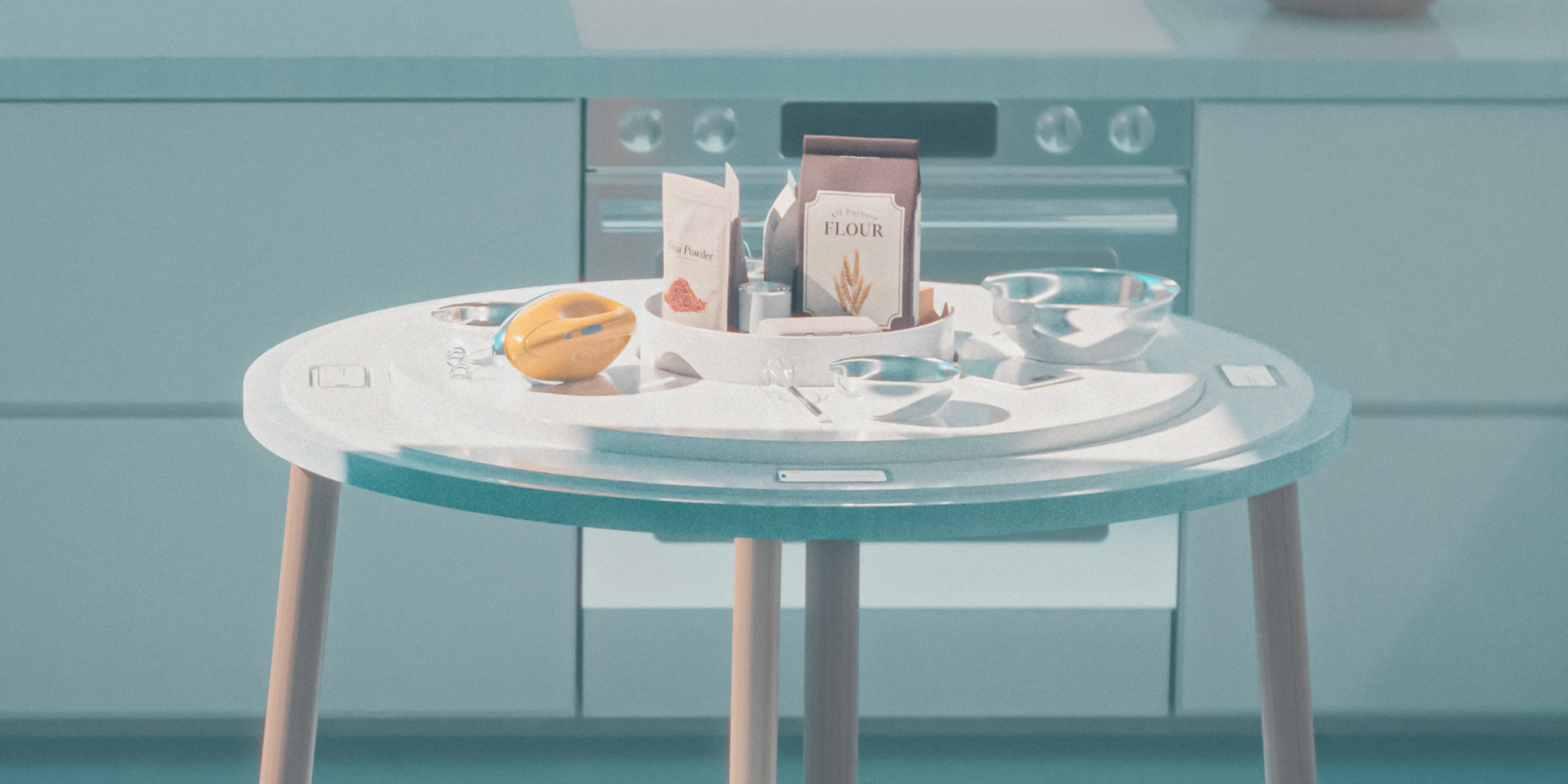
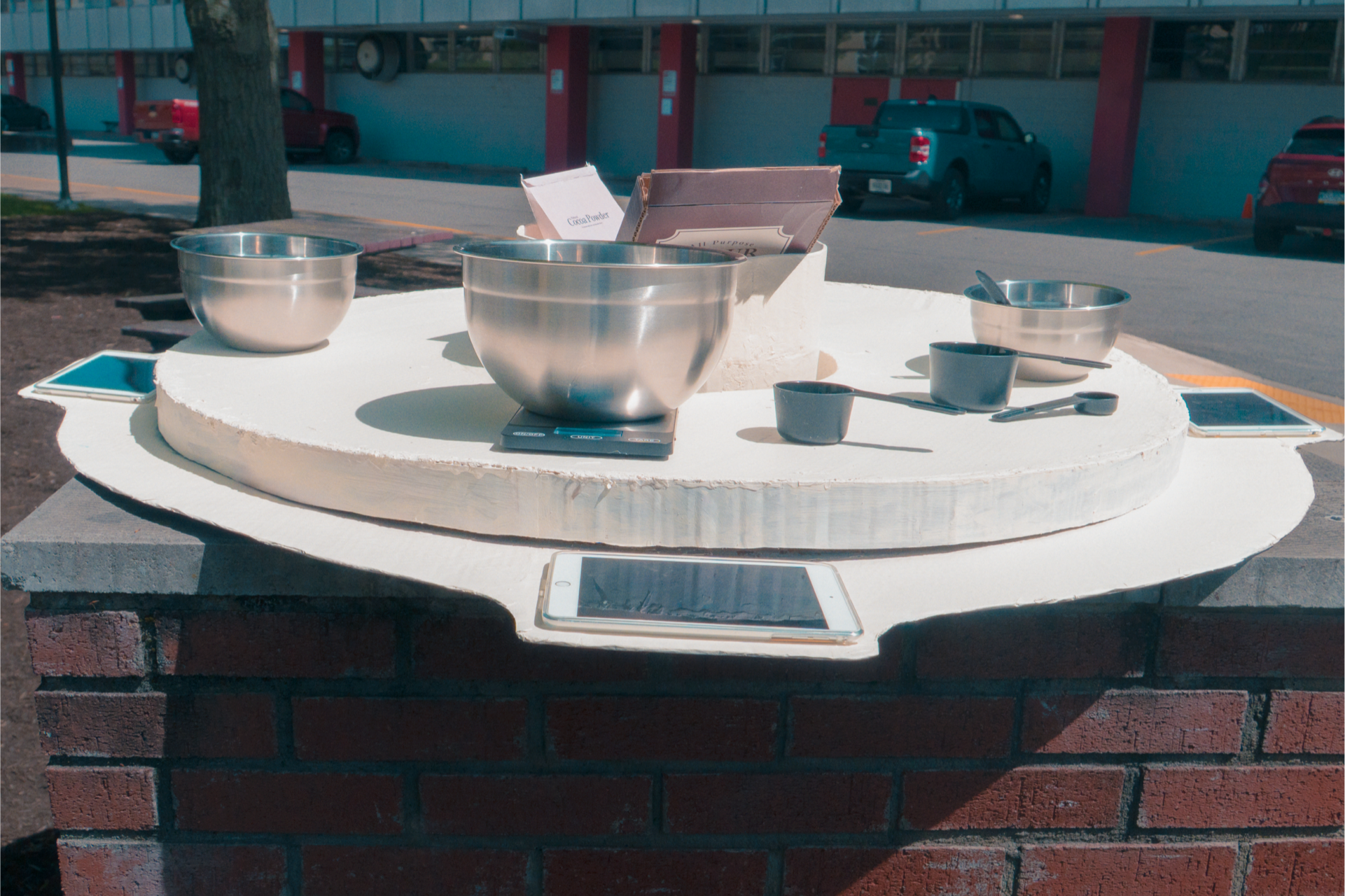
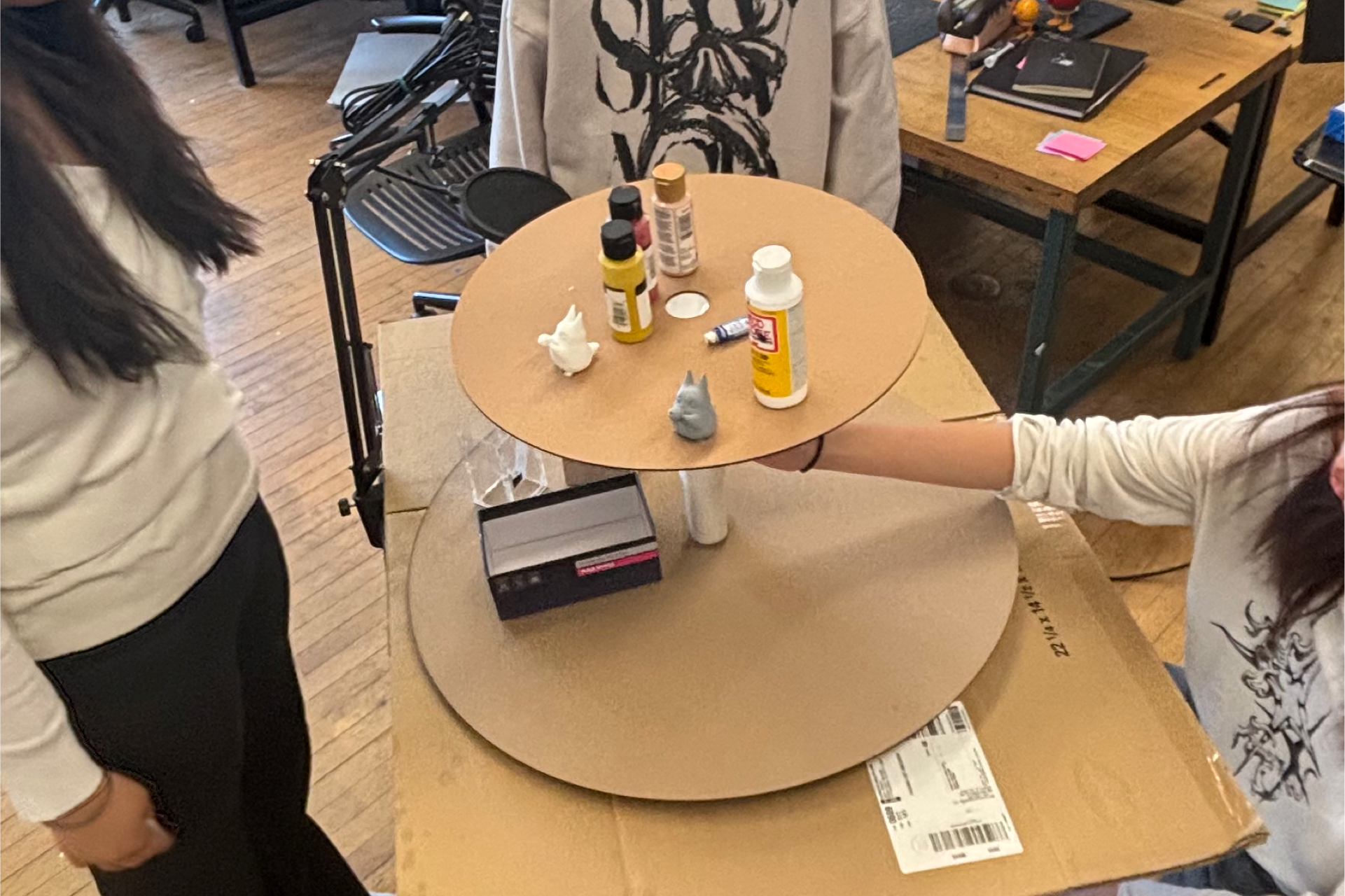
The table, with its two spinning areas - outer work surface and inner ingredients holder - was designed to work alongside the app in encouraging the group to talk about what they're doing and helping each other get the tools, ingredients, and eventually, in-progress pieces of the recipe they need to complete their instructions.
Protoype App + Table
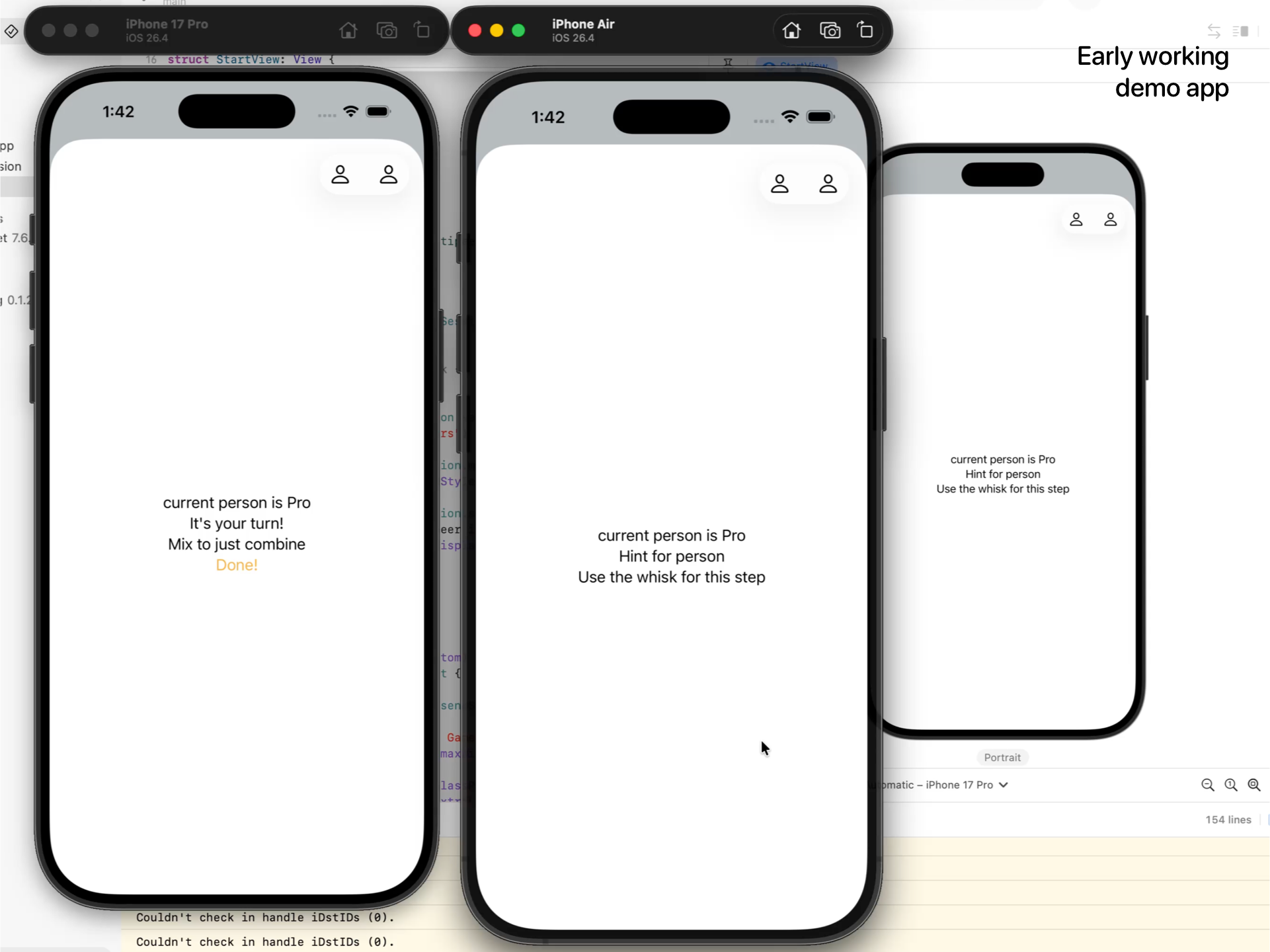
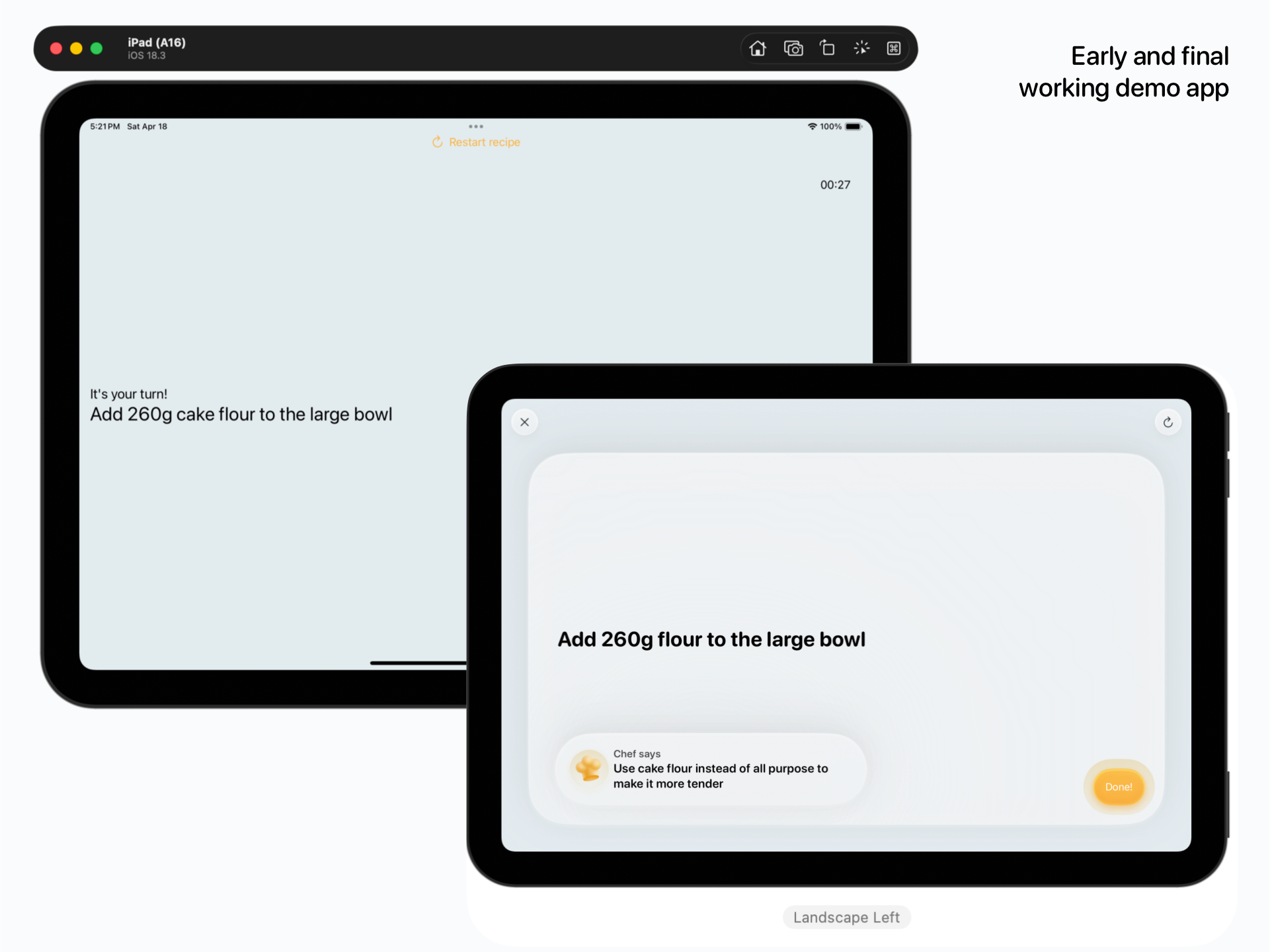
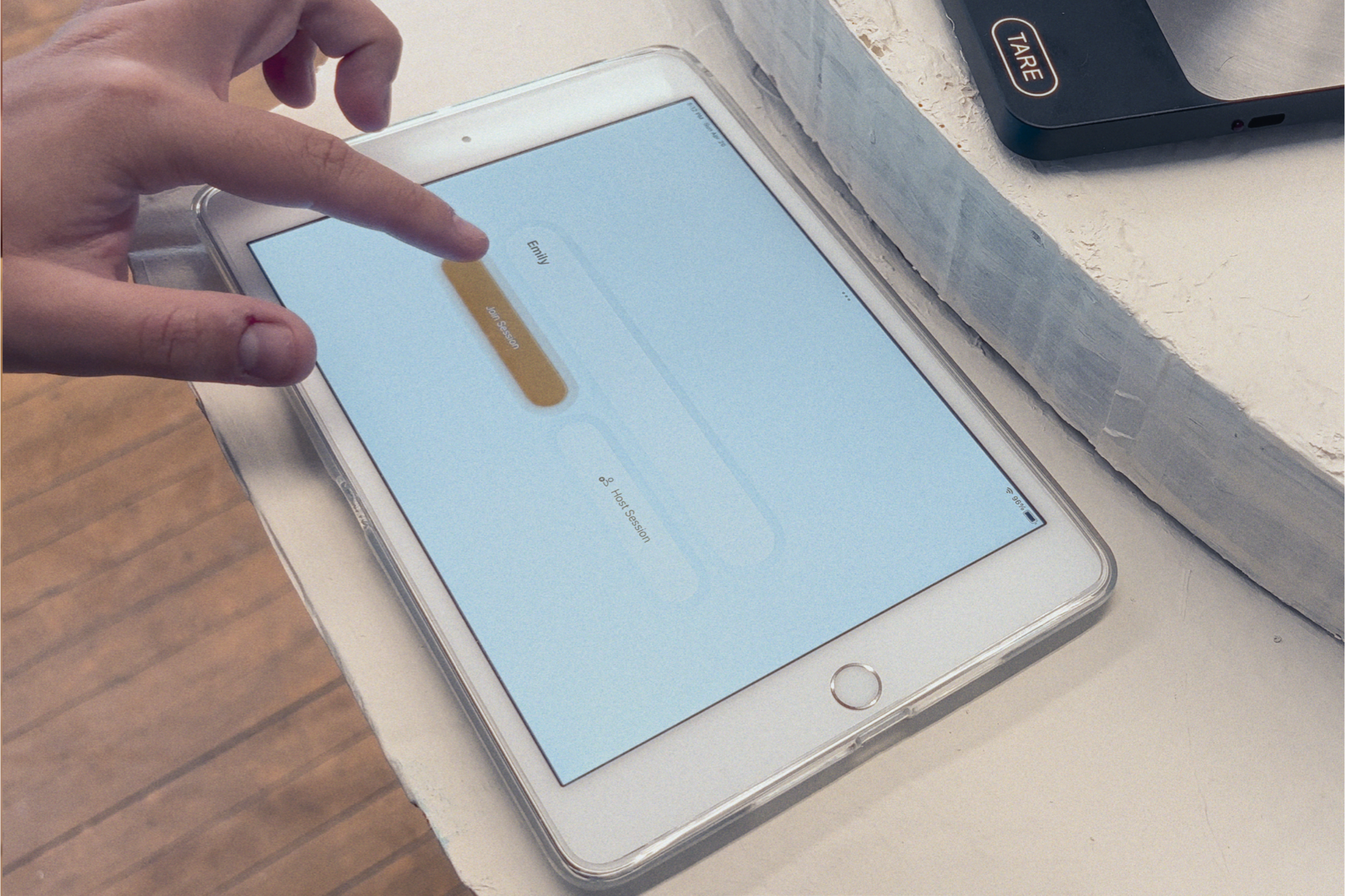
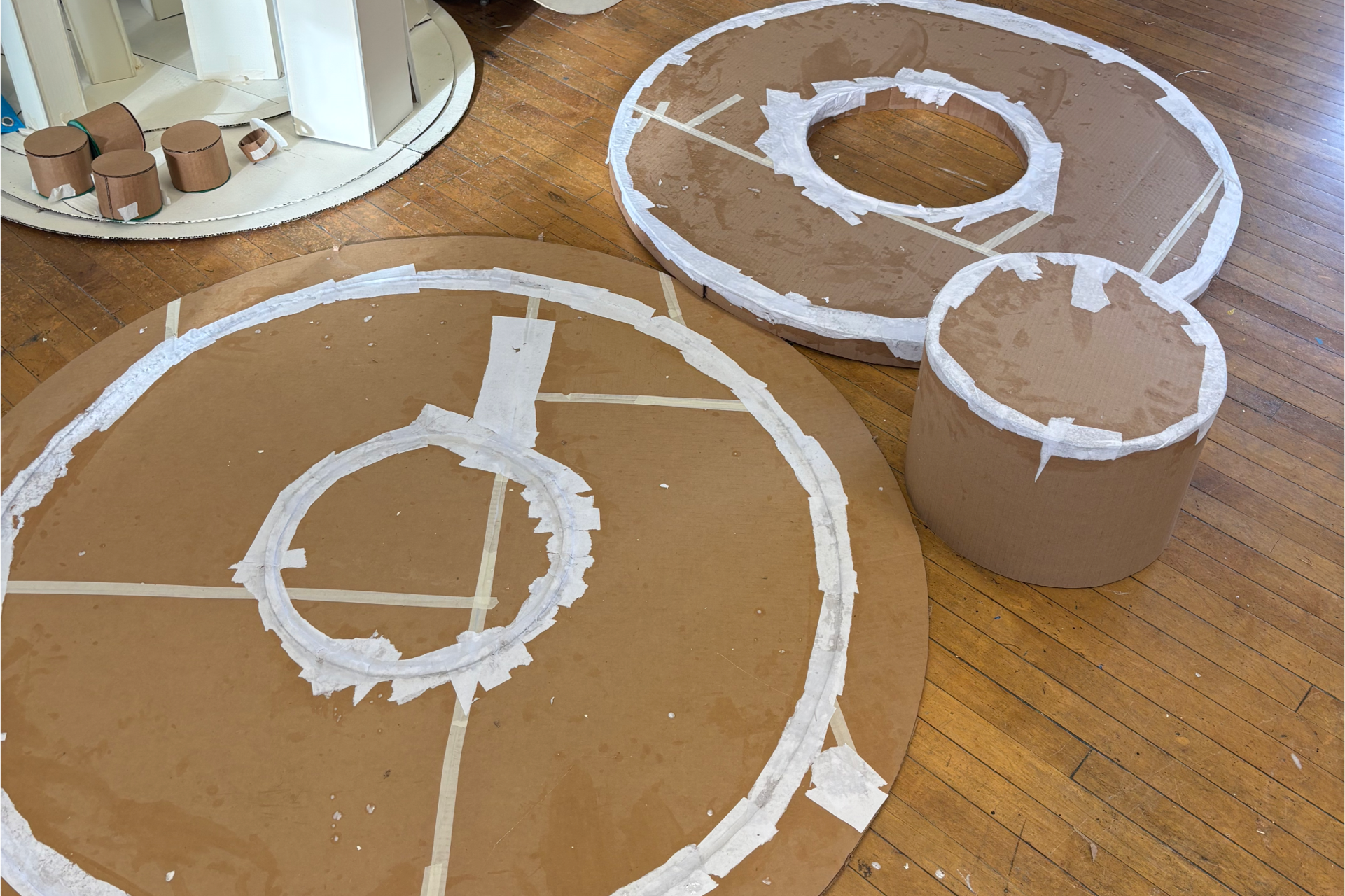
To prototype if the recipe structure worked, I built a physical model of the table out of cardboard and acrylic. I also built a working version of the app to run on 4 iPads for ease of showing the project without having to borrow people's phones.
Prototype Process
I started the table with simpler prototypes just to see if the concept would work at all, before refining the scale and form for the final iteration.
App Process
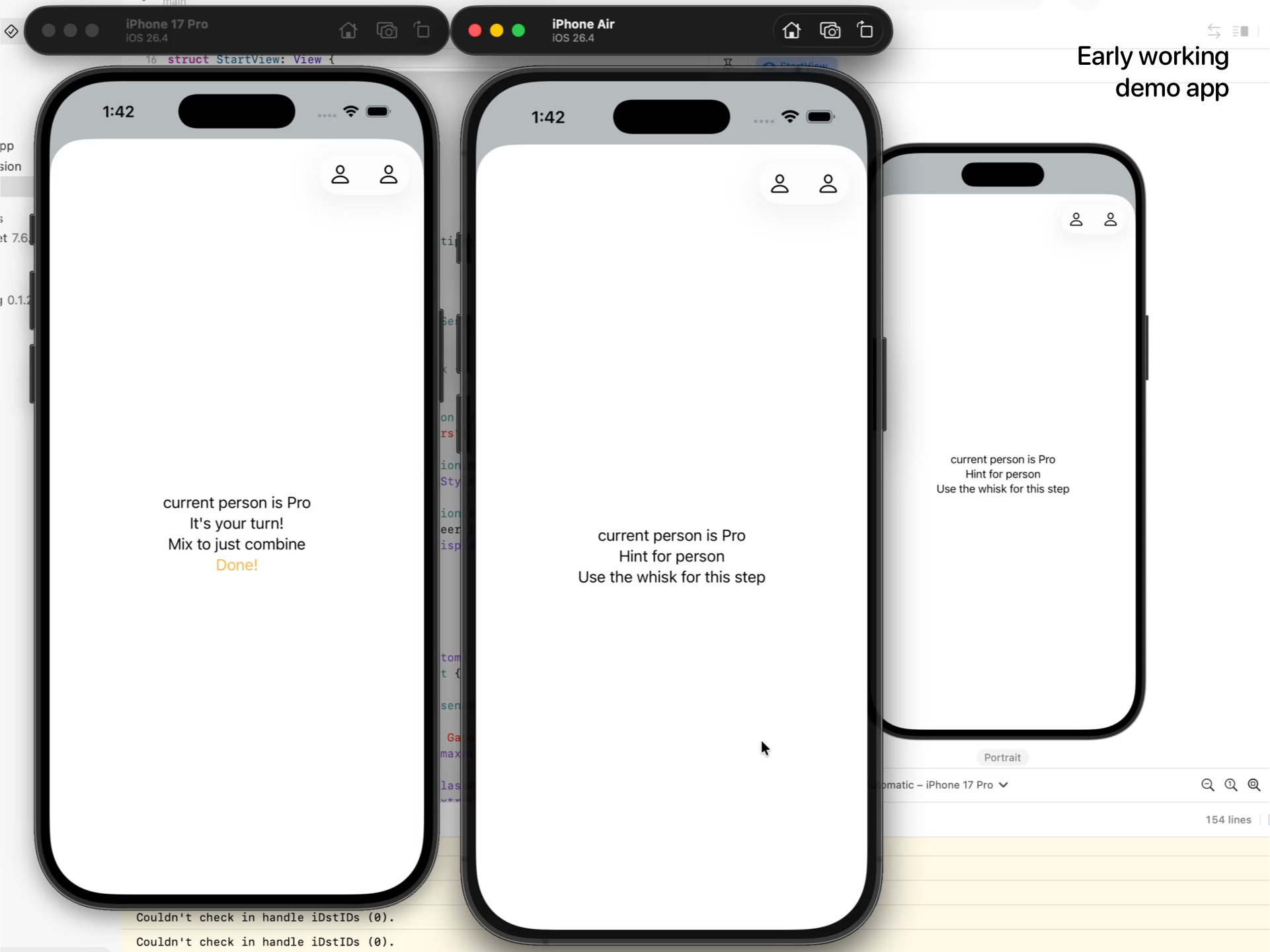
After trying a physical version of the game with printed cards, everyone agreed that the instructions had to be digital because of how easily and instantly everything got out of order and messed things up. I chose to build the instructions as an iOS app because of how relatively simple it is to network devices together wirelessly, and I wanted the prototype to actually work, at least for the single recipe I was going to use.
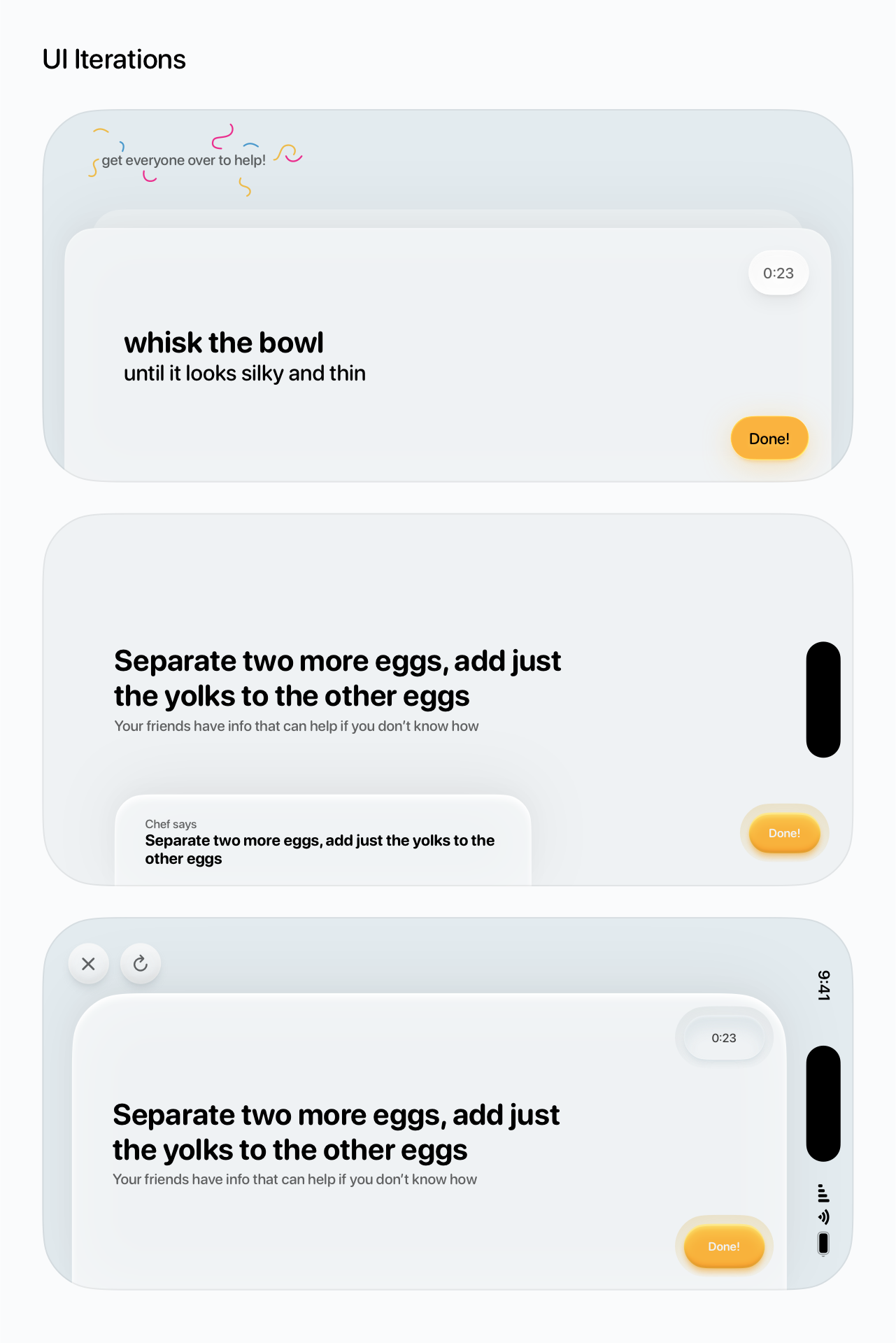
Once I had a functional app that wirelessly connected the 4 devices, most of what I worked on digitally was on the side of figuring out how the instructions should be organized and how exactly they should be broken up. The earliest versions gave just one person an instruction at once, but this only worked as I hoped in a very fast-paced runthrough, where each of us didn't spend time on each step like would happen in a real recipe. After eliminating that idea, it became more about how to phrase instructions and how the idea of Chef Tips would work - should they be hints for the others that you have to give or is that too confusing (it is).
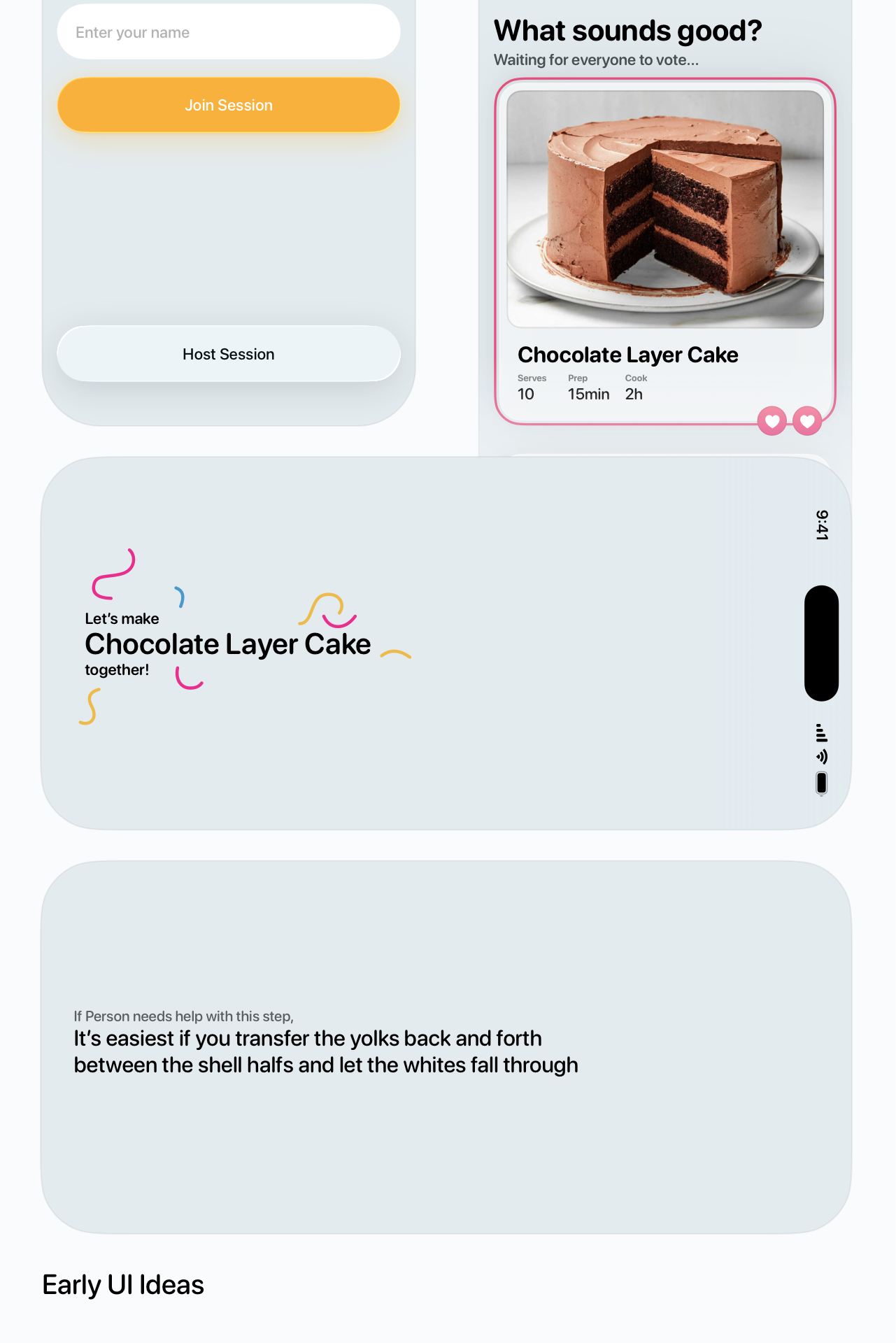
App UI
While this project was more about getting a working prototype at all, I still wanted to make the app have a fun, playful, game-ish look and feel. Buttons are large and tactile, and the whole app is meant to feel like a physical piece of paper or a card.